Configure Per-Desktop
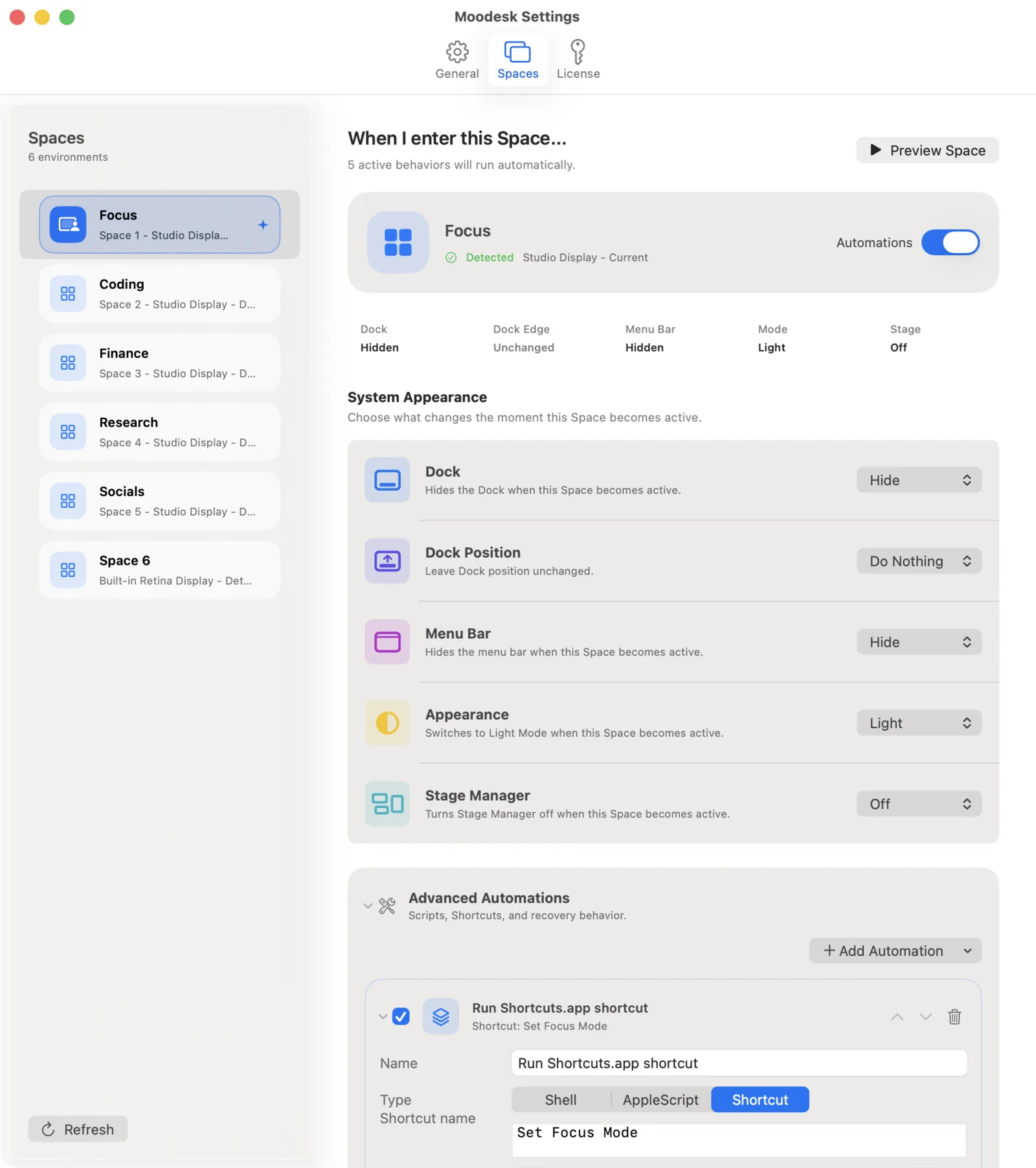
Set custom rules for Dock visibility and position, Menu bar visibility, and Dark Mode for every individual Desktop in Mission Control.
Show the menu bar when working. Hide the Dock when writing. Turn on Dark Mode for coding. Just switch Spaces, and the app does the rest.
Download for macOS14-day free trial. €4.99 lifetime purchase.Set custom rules for Dock visibility and position, Menu bar visibility, and Dark Mode for every individual Desktop in Mission Control.
Run your own shell scripts, AppleScripts, or macOS Shortcuts automatically the moment you swipe into a new Space.
Runs invisibly from your menu bar with no Dock icon. No complex automation builders, just a simple list of settings.
Unlock Moodesk with a €4.99 one-time purchase. No subscription.
Download for macOSRequires macOS 15 or later.Watch how desktop-specific rules follow you as you move between macOS Spaces.
Direct answers for privacy, licensing, compatibility, and app behavior.